

What’s Kasa Smart?
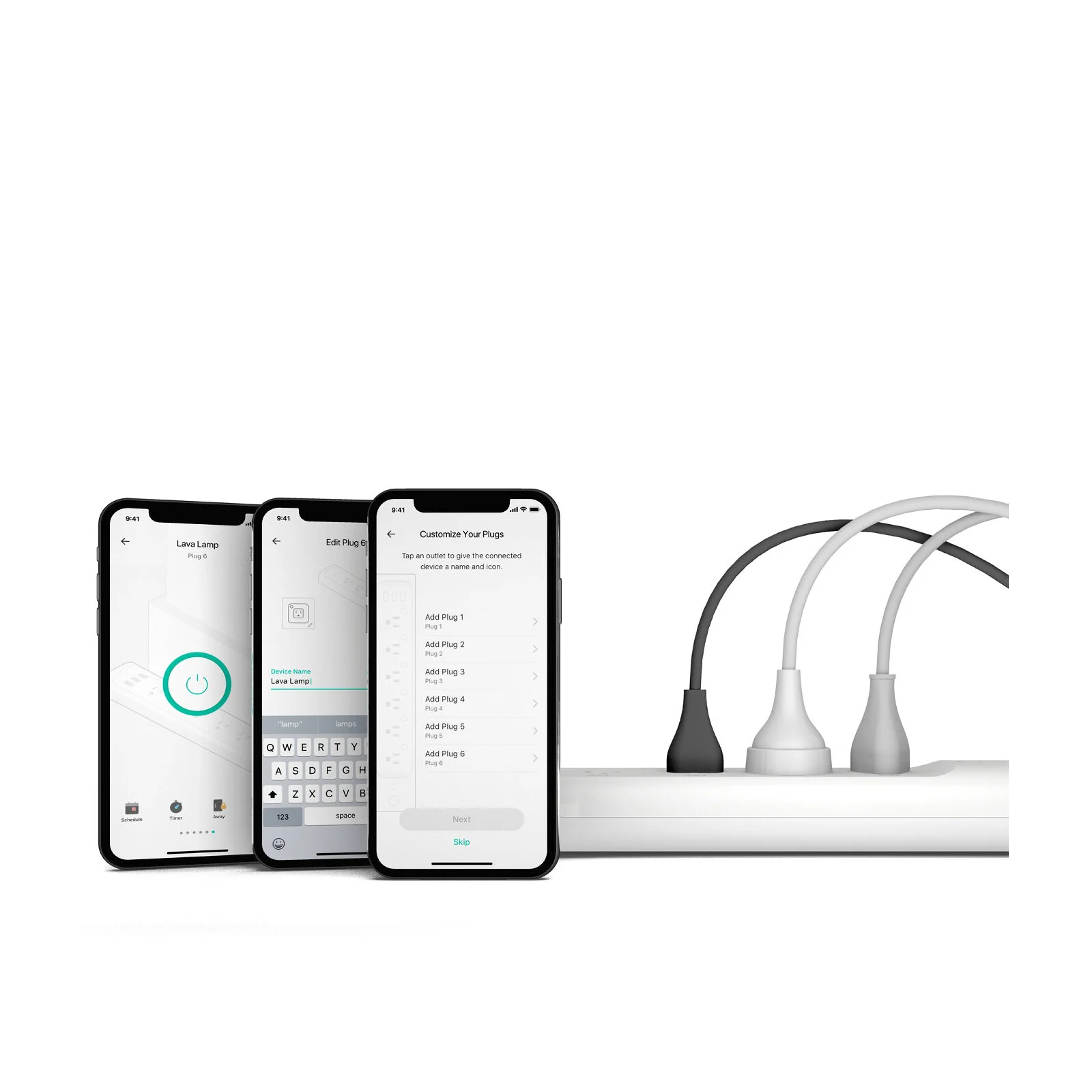
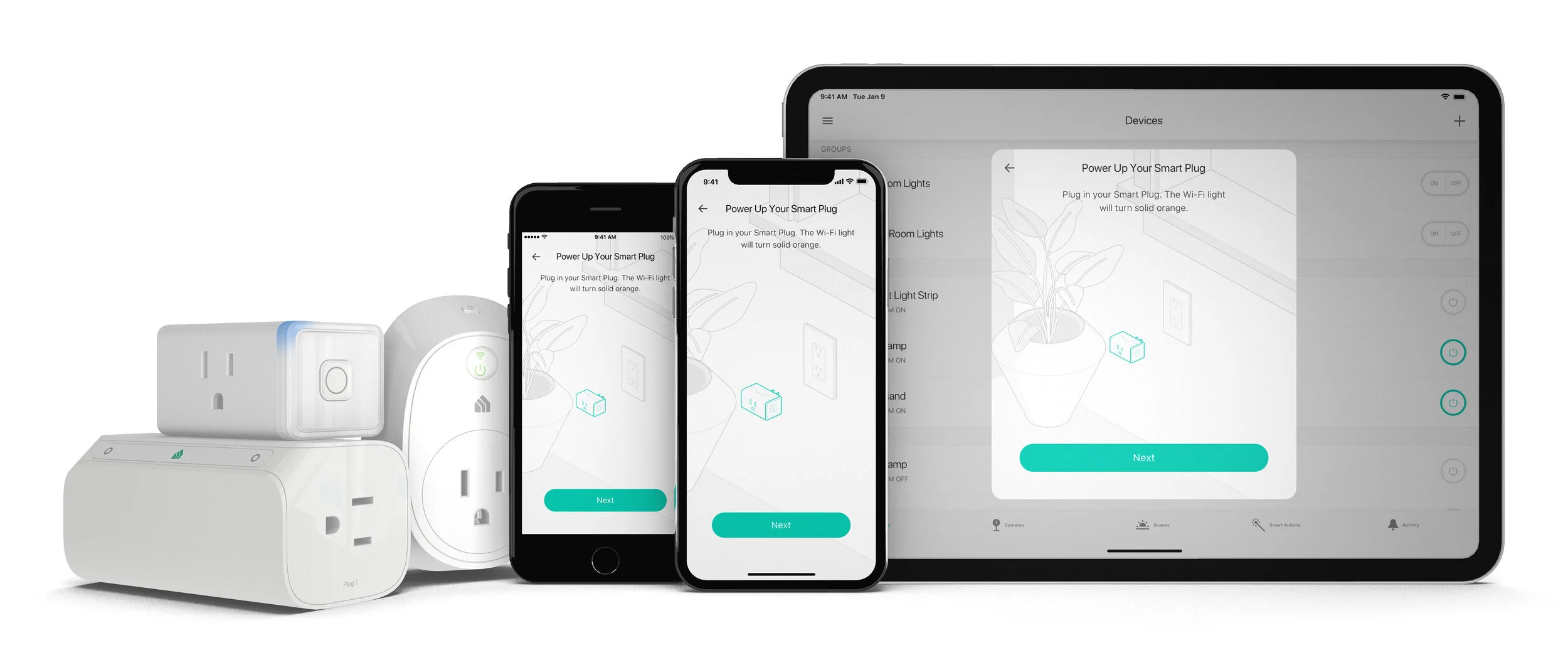
Kasa is TP-Link’s consumer-facing smart home product line, including smart plugs, bulbs, switches, and cameras. With it, you can customize lighting, turn connected devices on and off, track energy use, create groups, create schedules, and monitor home security. Learn more about all the Kasa products.
My Contribution
Ceated new features for the Kasa ecosystem, starting from eight devices in three categories to 43 devices in six product categories.
Helped create a scalable, modular returning user experience to minimize design rework and simplify customer learning. This included a brand-new component library for all our devices.
Tested dozens of competitor products and created Confluence pages documenting the setup process and returning user experiences for each
Maintained high customer satisfaction with 4.8 Stars on iOS with 15k+ reviews, 4.7 Stars on Android with 51k+ reviews
Cross-Collaboration
PMs - I was lucky to work with enthusiastic and understanding PMs during my time at TP-Link. We would brainstorm new product features together, helping me understand the ask better. This aligned us from early on in every new project. Some products like the Smart Dimmer Switch have physical button actions as well, like long-press and double-tap. It was humbling to work on interactions like that for me.
Development - There wasn't much cross-collaboration or communication between the UX and dev teams when I joined. This resulted in wasted time and unnecessary back-and-forth loops. I advocated for better cross-team collaboration by holding regular meetings with the project managers, developers, and QA teams to discuss ideas and thought processes. Creating an open environment improved motivation and productivity for both teams.
Data Scientists - The UX team worked closely with Data Scientists to gather usage metrics from our users. Or example, what’s the most common color temperature for the smart bulb is. This kind of data helped back up some of our design decisions with stakeholders.
QA - This was my first experience seeing what the QA team does firsthand, and I loved it. As a designer, it’s good to think like a QA Engineer because it helps you create bugs-proof interactions. Each member of the team was encouraged to take a beta device home to test and help QA identify any problems. If you’re a designer who’s not using your product regularly, it hinders the possibilities of what you can come up with.
Projects I Worked On
Enhanced Device Onboarding Experience
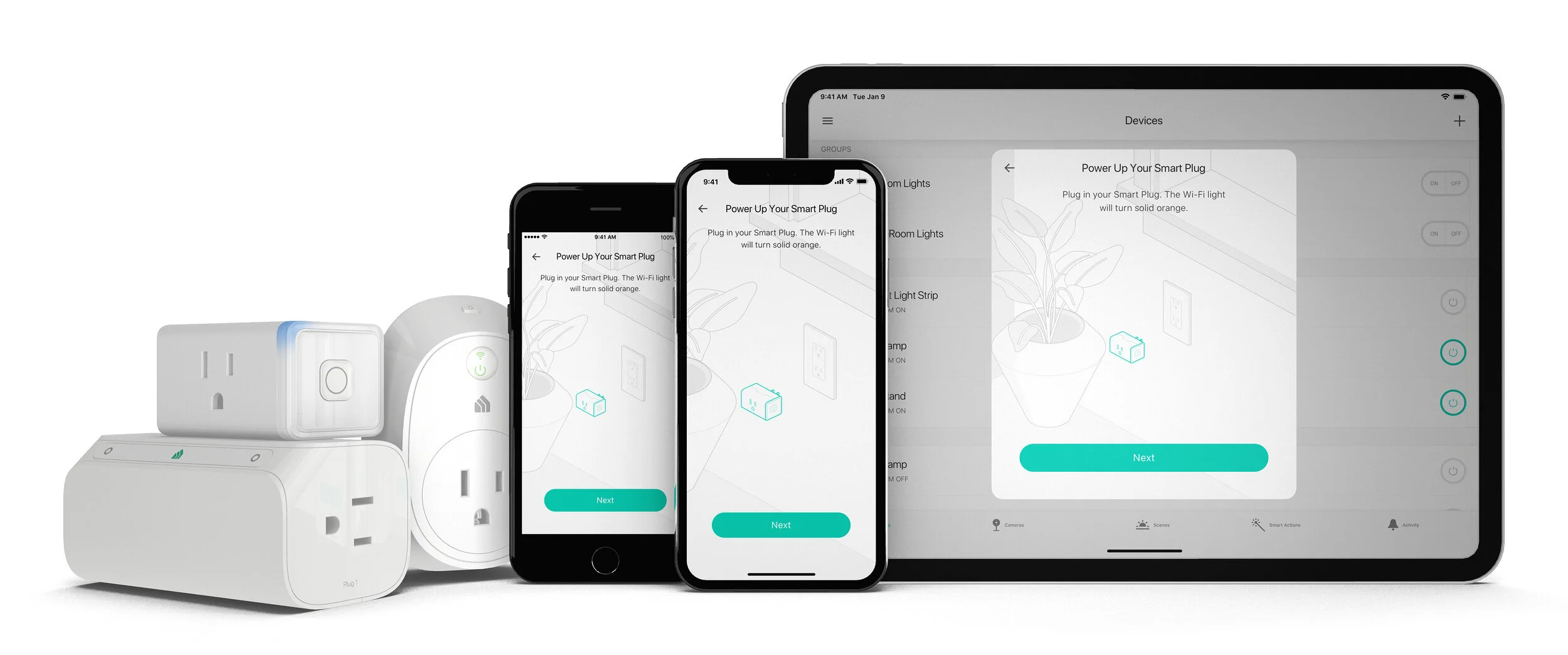
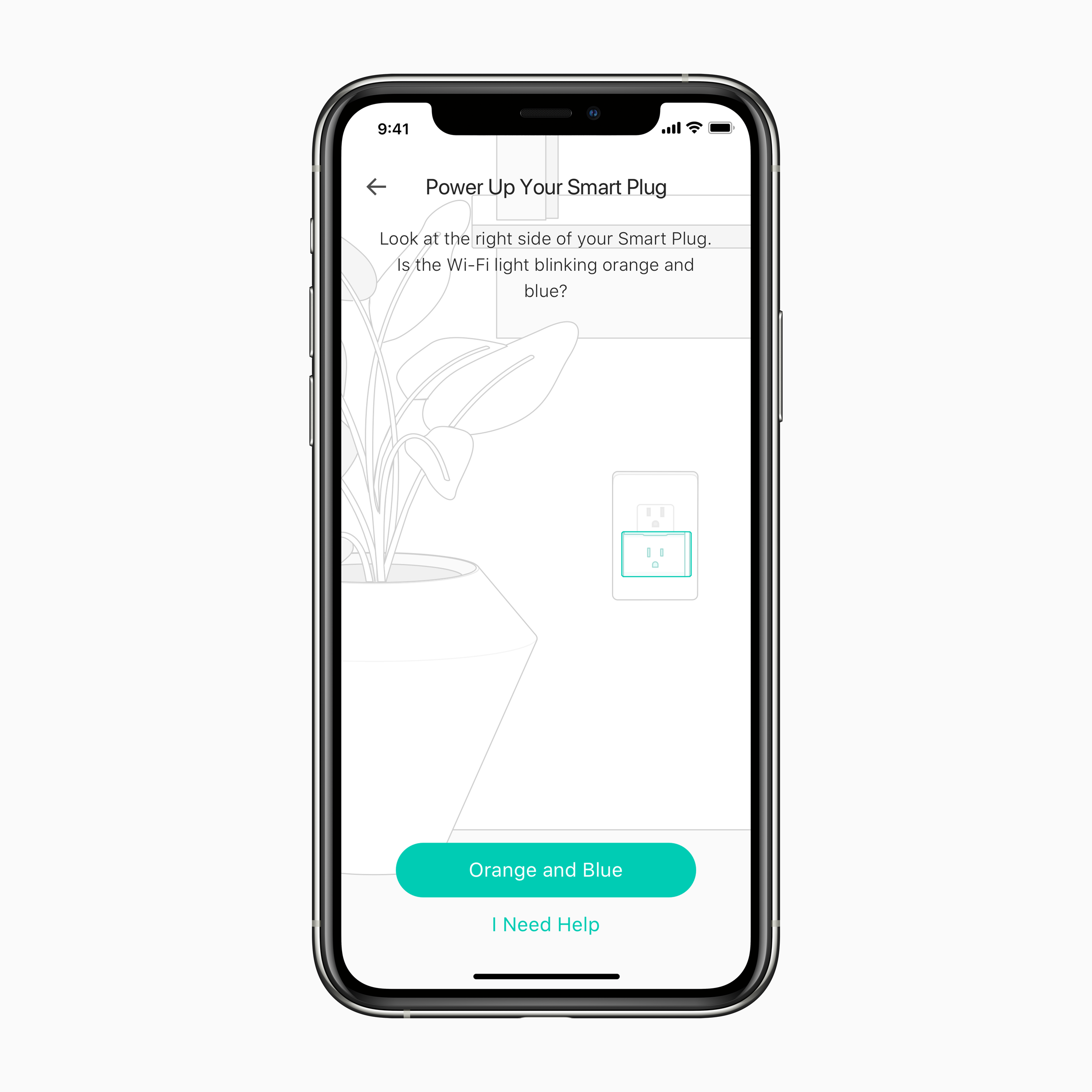
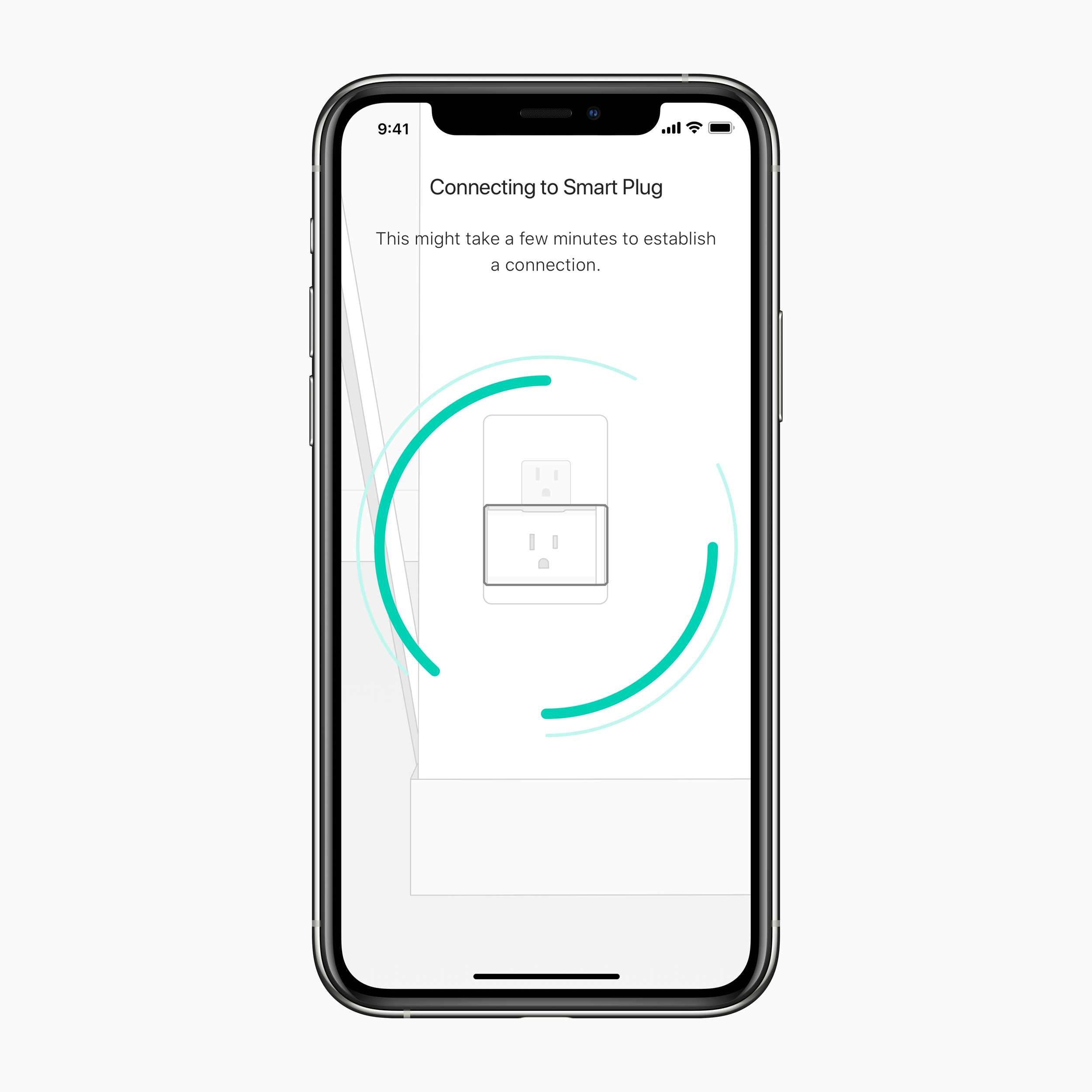
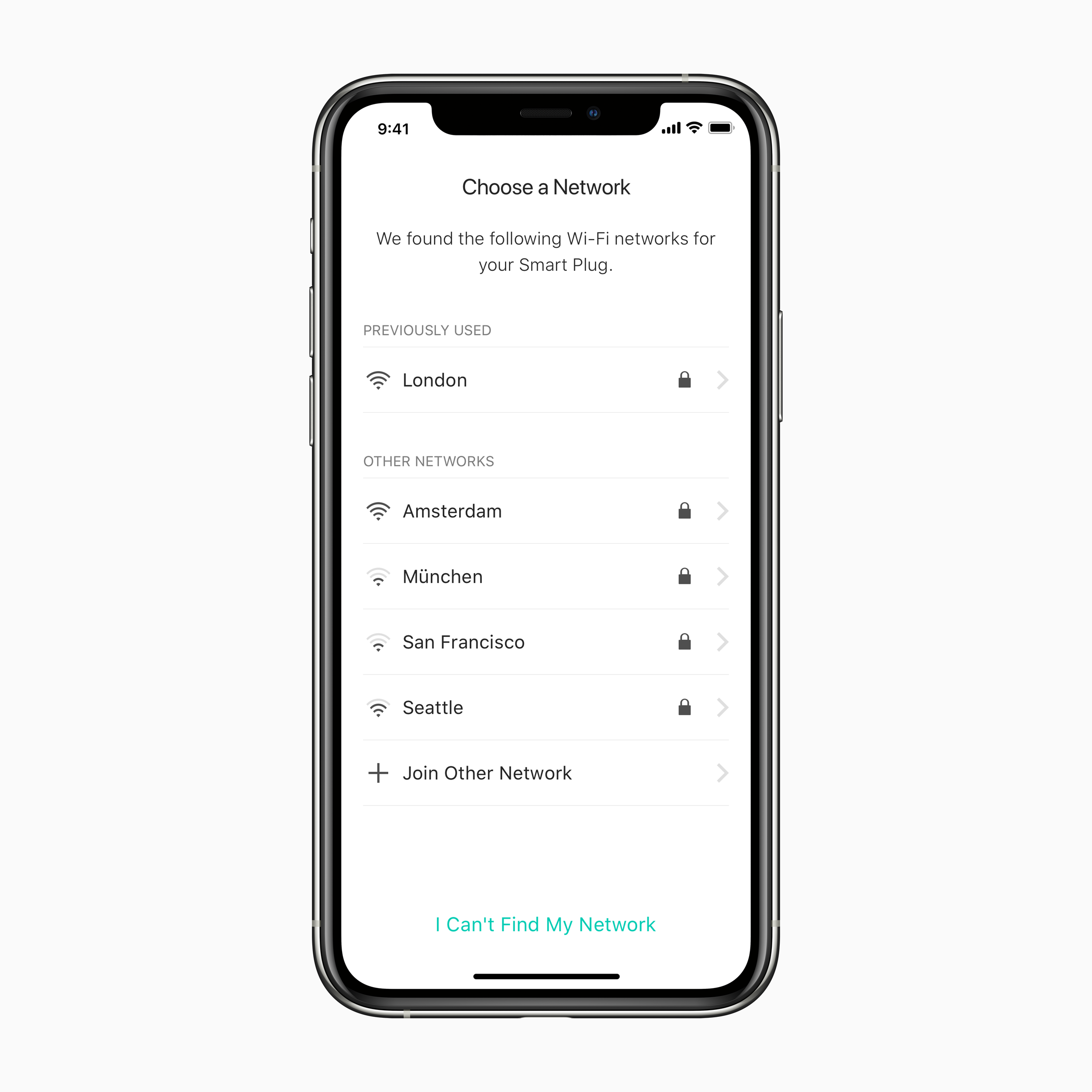
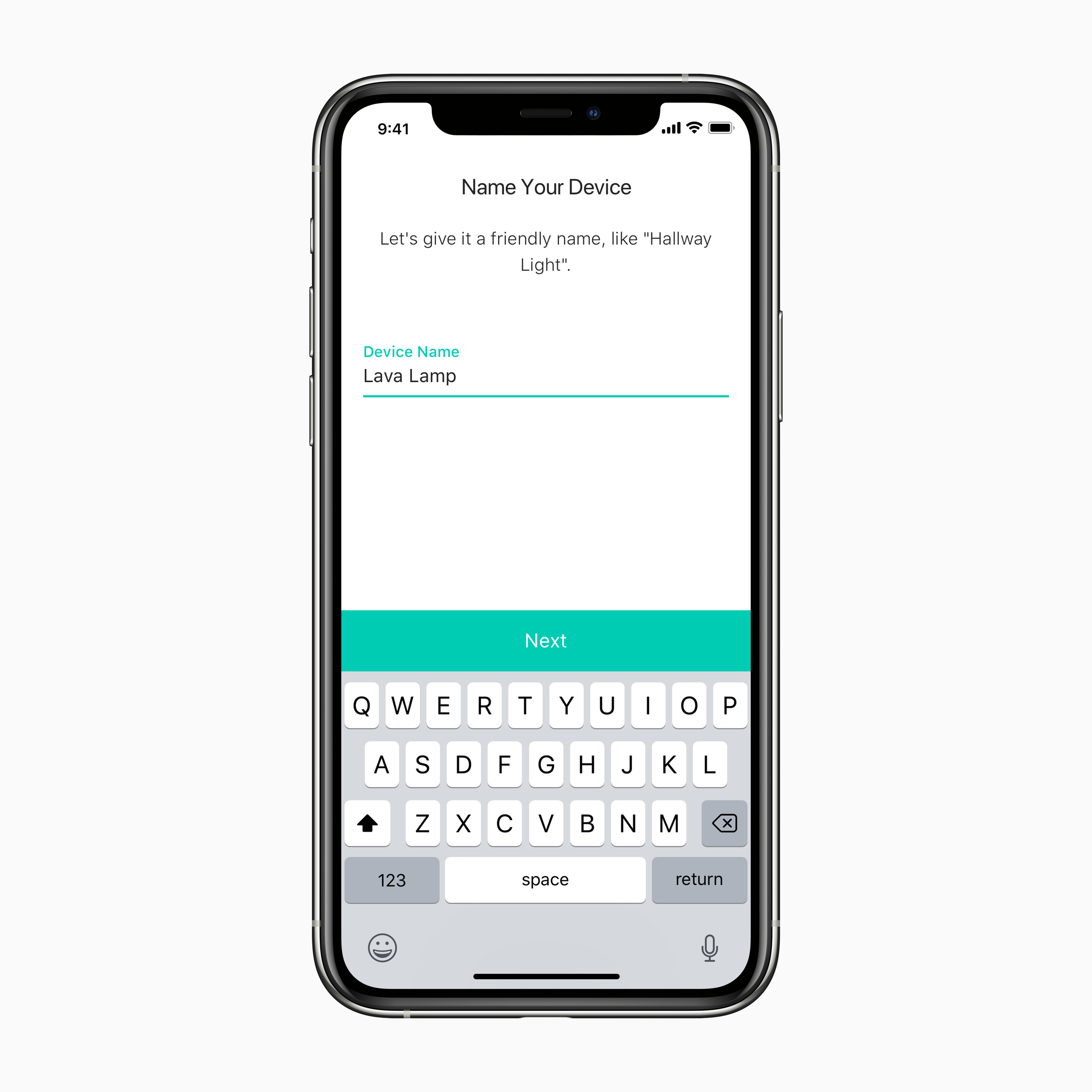
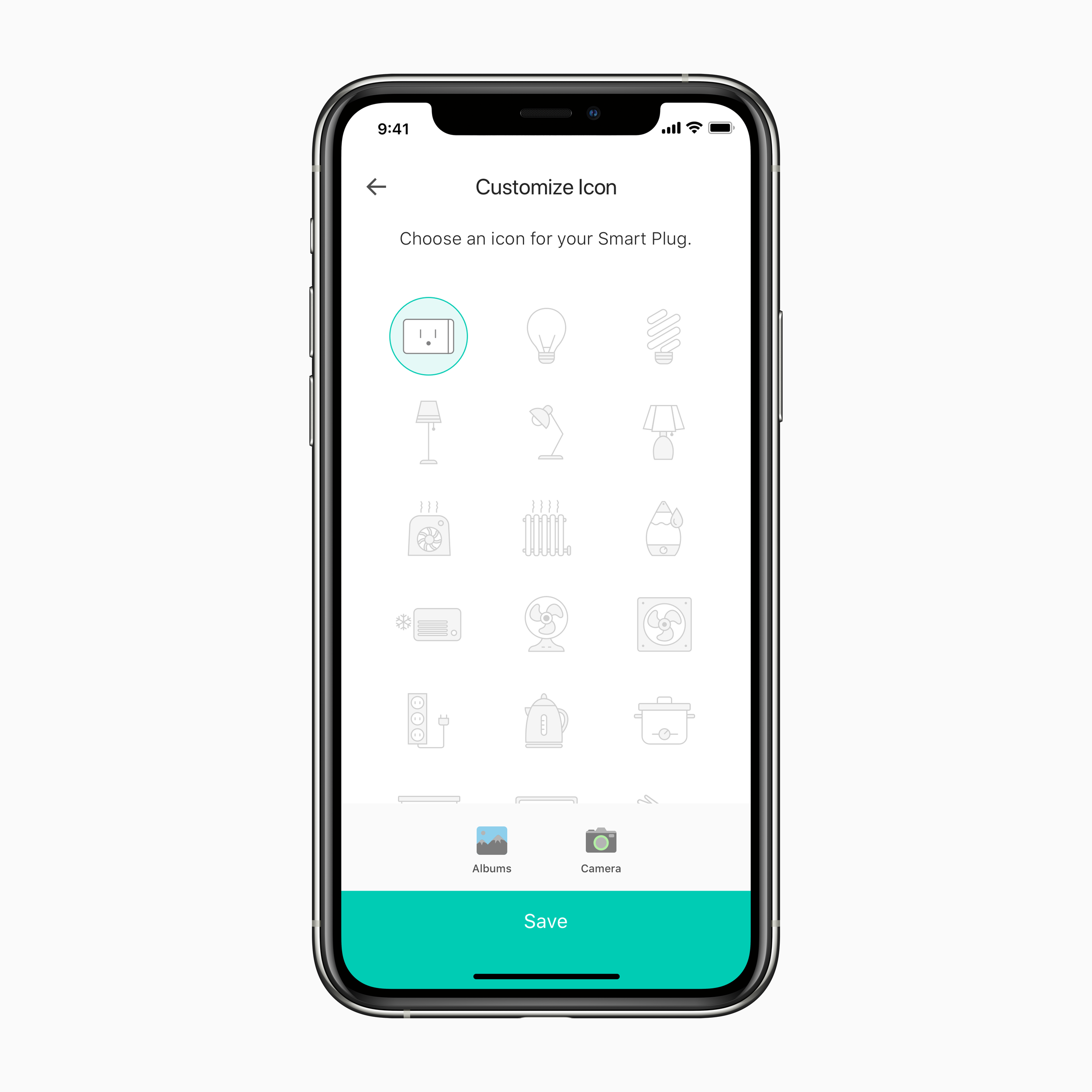
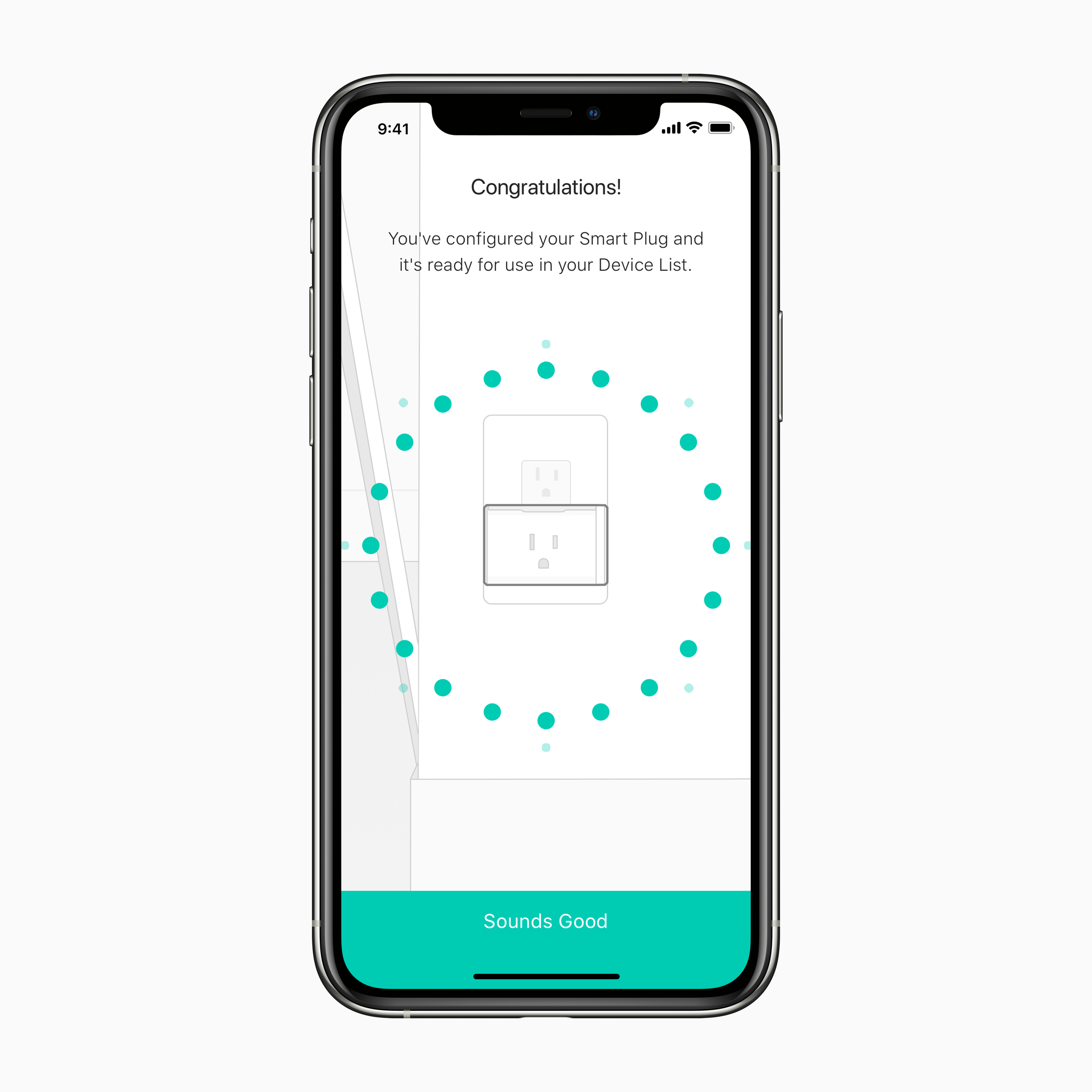
First impressions are crucial in the smart home space. Onboarding is the most important part of the customer journey because it sets the stage for everything to come. How long it takes to pair a device, how many steps are involved, proper error handling, and anticipating user error all played an important part in redesigning the onboarding flow.
My Contribution
Redesign the in-app wifi installation instructions to provide a reliable and frustration-free experience to the user
Created the architecture to handle onboarding for multiple outlet devices alongside classic single-outlet devices
Worked closely with QA teams to identify screens in the onboarding flow where users were having the issues most. I used that knowledge to create new user-tested copy and updated onboarding animations
Kasa Cam Wire-Free
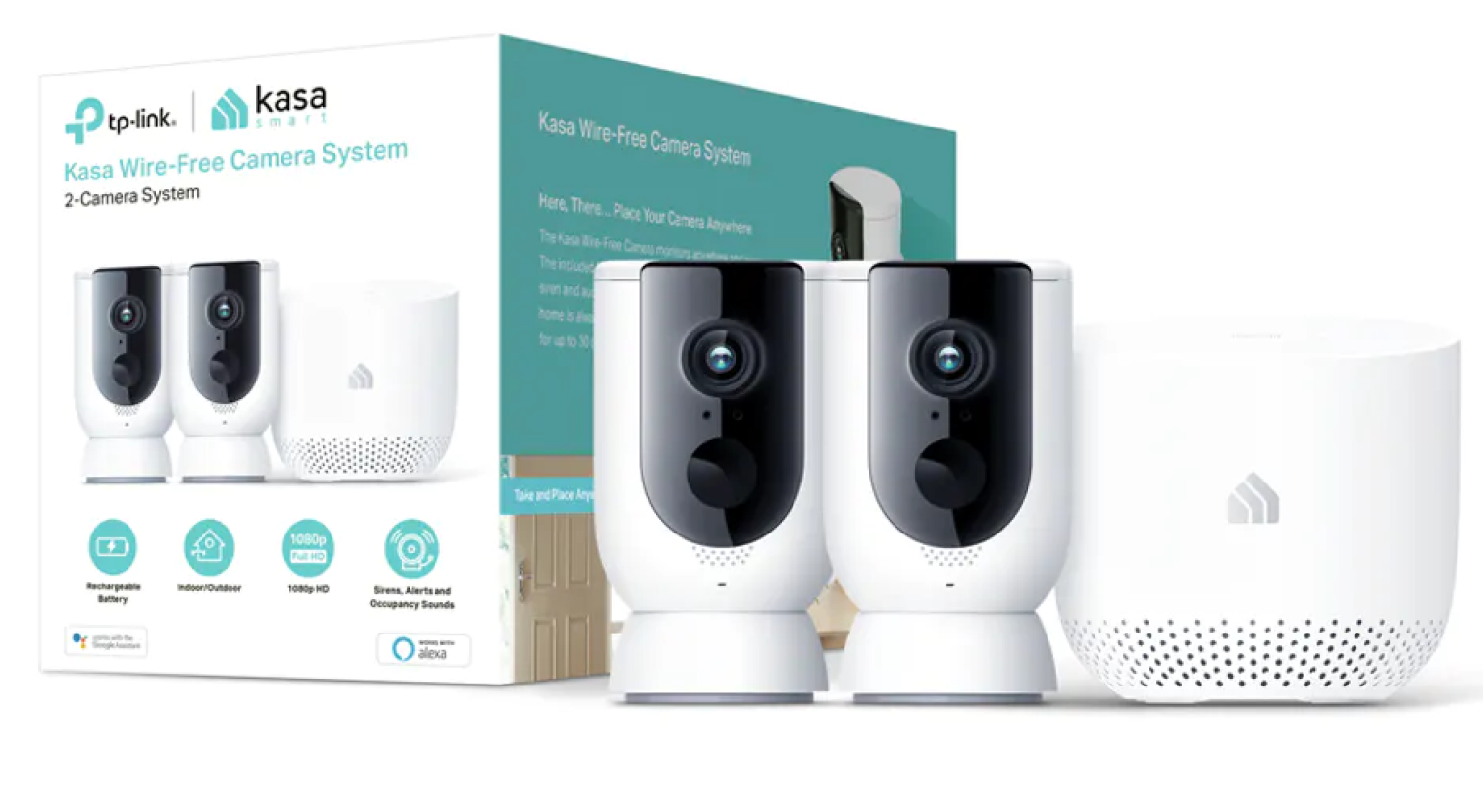
The first Kasa Cam to launch wire-free was the. I worked closely with developers and firmware engineers to develop an intuitive installation flow that minimized the effort on the customer’s part as much as possible. I also helped create new returning user interactions, including hold-to-talk, siren activation, and manual video recording behavior.
My Contribution
Created camera-unique returning user interactions, including hold-to-talk, siren activation, and manual video recording behavior
Worked on enhanced “Activity Zones” interaction utilizing new camera firmware and capabilities
Created the in-app installation process for the Wire-Free Kasa Cam. This camera has a lengthy installation process that has many steps. I worked closely with developers and firmware engineers to come up with an intuitive installation flow
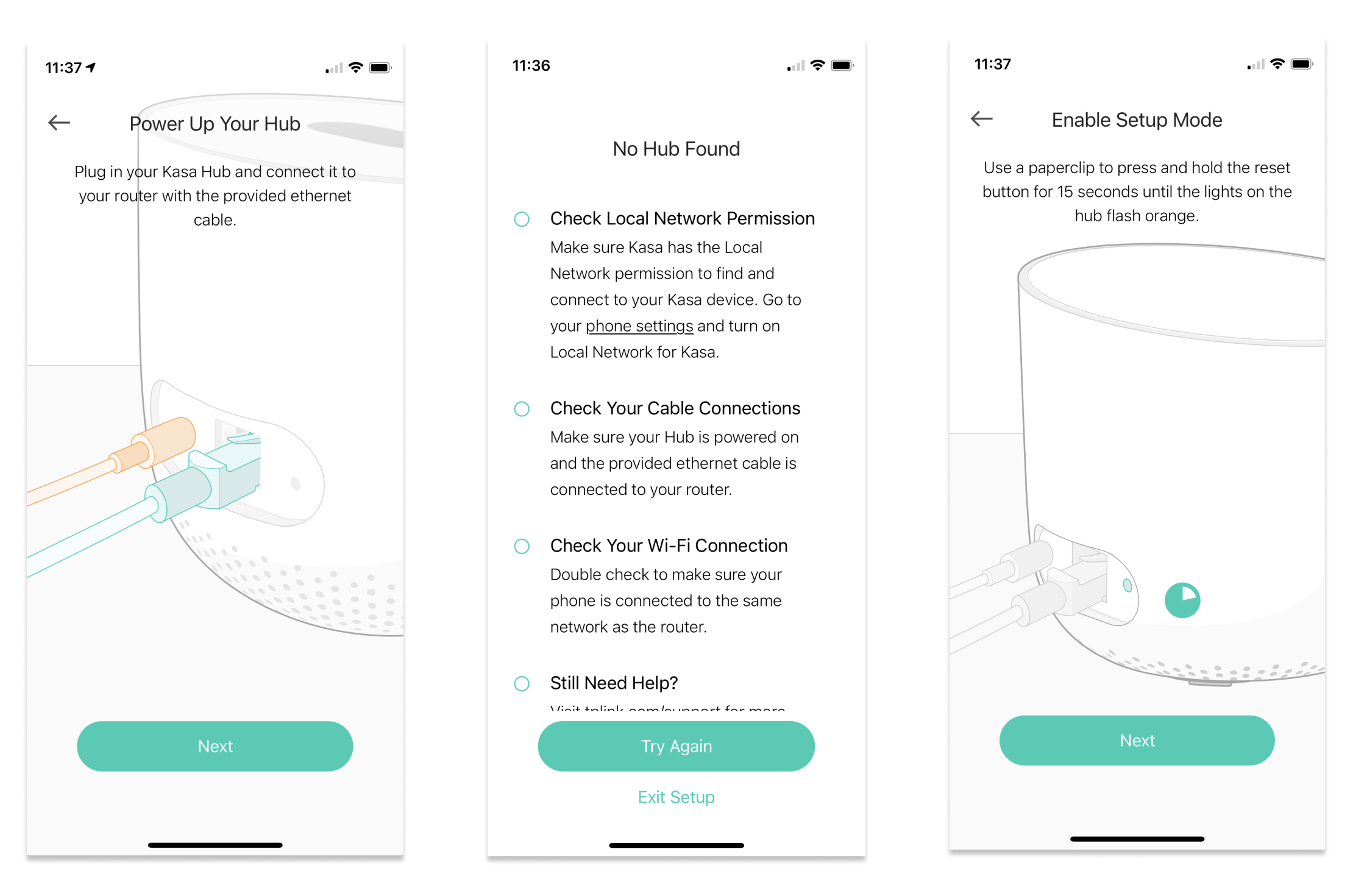
Unfortunately I don’t have the assets for this feature since it was still in beta after I departed. The video below shows a portion of the setup flow.
Installation Video for the Wire-Free Kasa Cam
Video Summaries
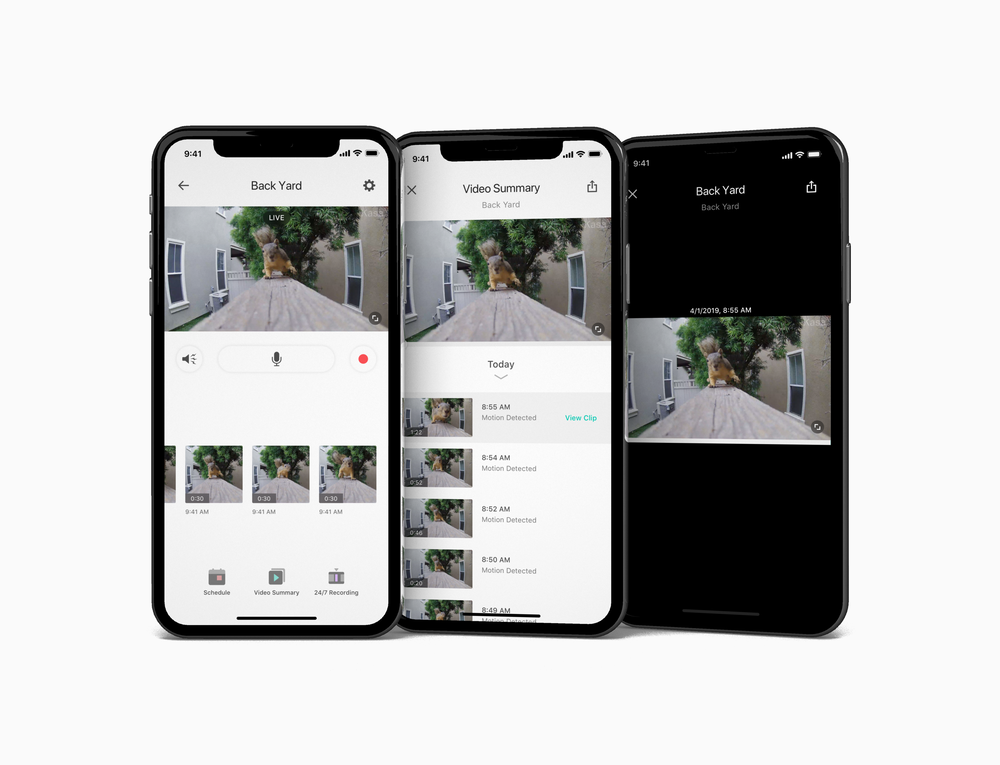
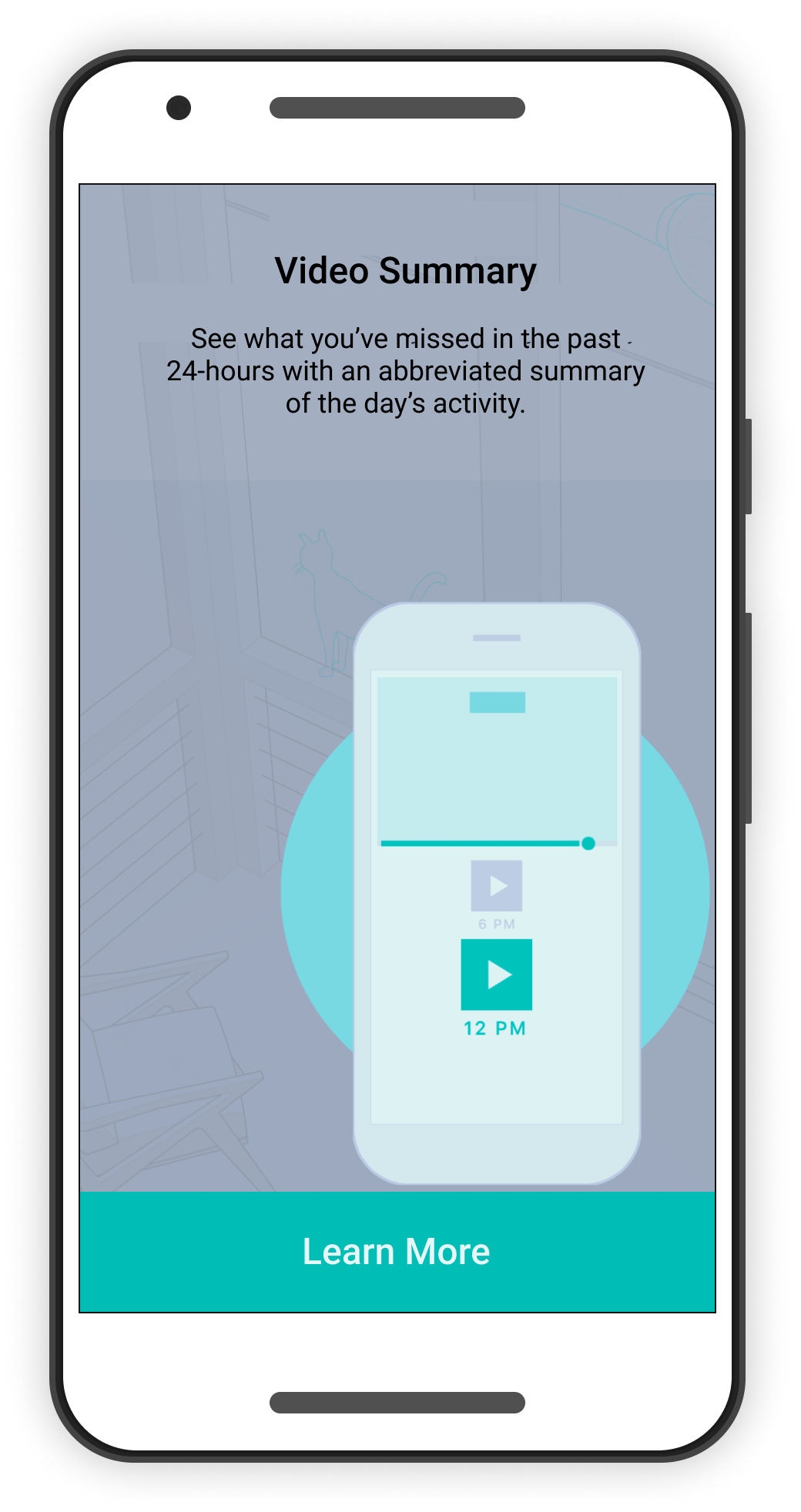
Unfortunately I don’t have the assets for this feature since it was still in beta after I departed.
Video Summaries present users with a scrollable time-lapsed daily brief, saving users time and eliminating the need to review video footage with no activity.
My Contribution
Worked closely with developers to understand the way this feature would work. I wanted to know from the get-go how exactly video summaries are generated on the back end so I could come up with a unique interaction for this feature
Conduct in-person one-on-one guided user interviews to find any areas of improvement. Iterated constantly with low-mid fidelity prototypes to share with the dev team
Designed the interaction patterns for the scrolling feature. Scrubbing through recording the timeline will simultaneously scroll through the day's clips for easy access
Kasa 2.0 Design System
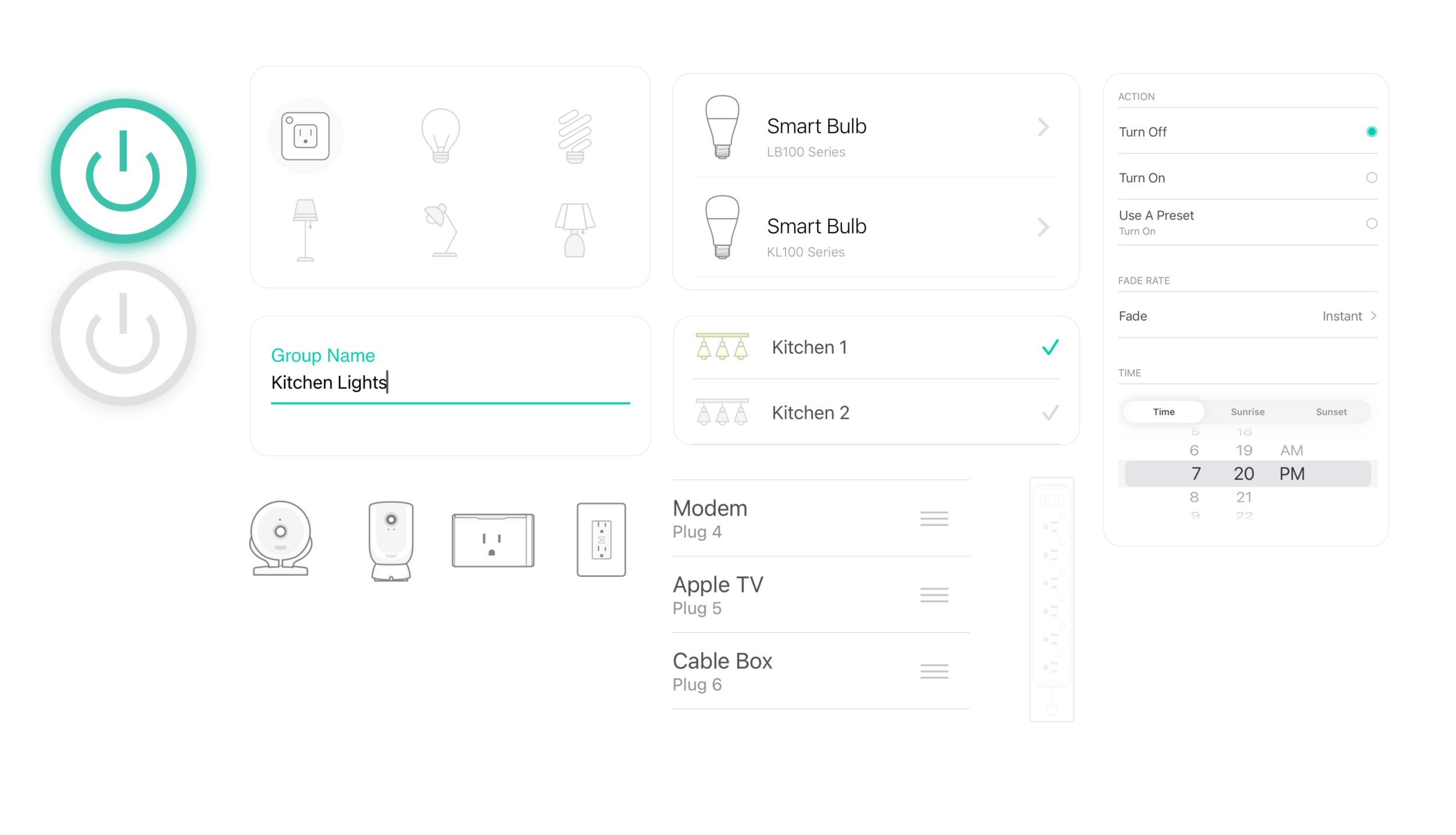
We have over 20 smart devices in the Kasa ecosystem. When building out the Kasa 2.0 design system, modular designs and components were created and re-used throughout the app. When designing for connected products, maintaining consistency encourages continued use and keeps the experience consistent.
My Contribution
Helped to modularize the Kasa product line returning user experience to leverage standardized components for settings, device control, and other similar features
Created new wireframes and updated flows for Smart Plugs, Cameras, Smart Bulbs, and Smart Switches using the Kasa 2.0 design system components
Create new UI screens and interaction patterns while working closely with front-end developers for their feedback and technical expertise
Documented all components and research into a Confluence document that all teams could refer to and discuss
Reflections
It was challenging to design interfaces in an emerging space where no company has mastered managing an ecosystem of different connected products.
I gained the ability to recognize as many constraints as possible, helping me make the right tradeoffs and develop the best design solutions.
I learned the importance of proper error handling in a product space where many things can go wrong.
I became comfortable with speaking up in meetings and communicating my designs to multiple teams.